Your crew taps. AutoShare tells the customer.
AutoShare texts and emails your customers automatically as each job moves, from quote sent to payment received. Set SMS, email, both, or off per event, override any customer or contact, and keep replies in one thread. Included on Pro, Fleet, and Enterprise plans.
Answered before anyone asks.
“Is the unit coming today?” “Did you service it?” “Did you get my payment?” AutoShare answers them automatically. Updates fire from the taps your drivers and office already make, so nobody types a status message and nobody forgets one.
- Driver taps en route, arrived, or complete, and the customer hears about it
- Quotes, invoices, overdue notices, payments, and refunds send themselves
- Texts come from your own business number; emails carry your company name
- Every update posts to the customer chat with a delivery receipt
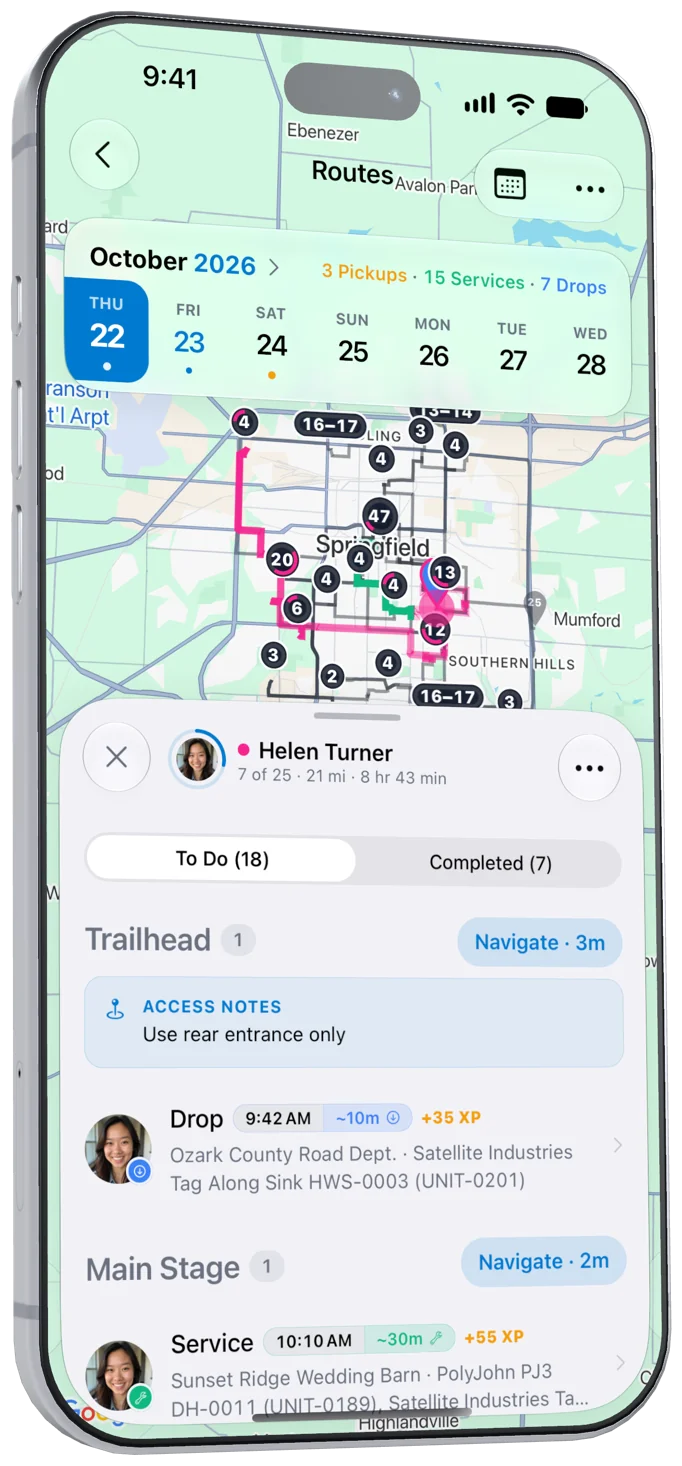
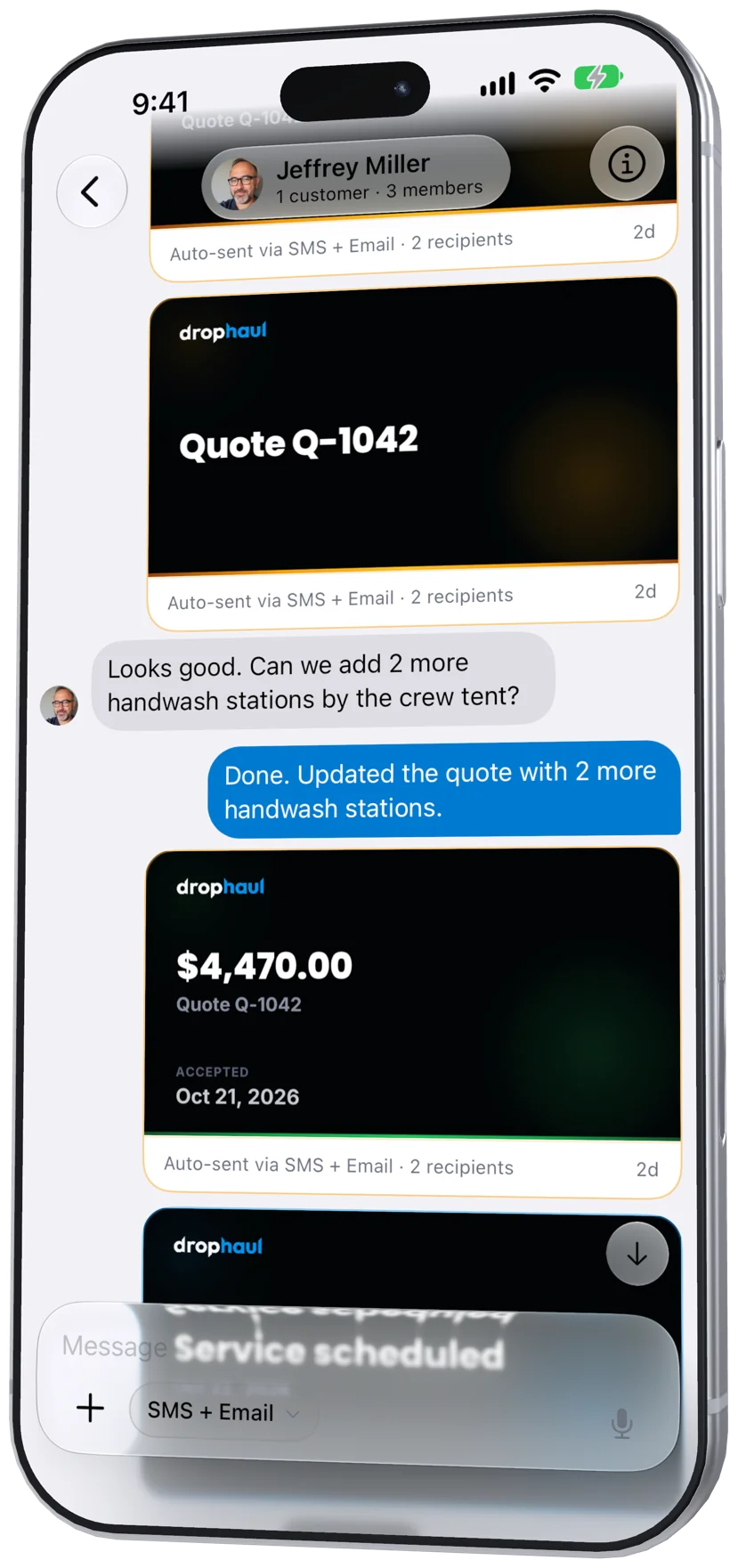
Every update, from quote to payment.
13 events cover the whole job. These are the defaults a new company starts with, and each one can be switched to Off, Email, SMS, SMS + Email.
AutoShare defaults
- Off
- SMS
- SMS + Email
Quotes
- Quote sentSMS + Email
- Quote expiringOff
Service & jobs
- Service scheduledSMS + Email
- Service rescheduledSMS + Email
- Driver en routeSMS + Email
- Driver arrivedOff
- Service completedSMS + Email
- Service cancelledSMS + Email
Invoices
- Invoice sentSMS + Email
- Invoice overdueSMS + Email
- Payment receivedSMS + Email
Payments
- Payment refundedSMS + Email
Service updates
- Unit swap scheduledSMS + Email
Set it once. Tune it per customer.
Most tools give you an on/off switch for a couple of texts. Customer overrides replace company defaults, and contact and chat settings narrow who hears each update.
- Change a default and every customer without an override follows it
- Overrides live on the customer, so the whole office sees the same rules
- Customers never see a settings page; your office manages everything
Company defaults
Every customerPick Off, Email, SMS, or both for each event once. Every customer inherits it.
Customer overrides
One customerA builder wants texts only; an HOA wants email only. Override any event for one customer.
Contact channels
One contactText the site super and email the accounts payable inbox, inside the same customer.
Chat toggles
One conversationMute a whole group, such as invoices, for a single conversation without touching anything else.
Customer overrides beat company defaults. Contacts and chats can only narrow, never turn a channel back on.
Every update and every reply, in one place.
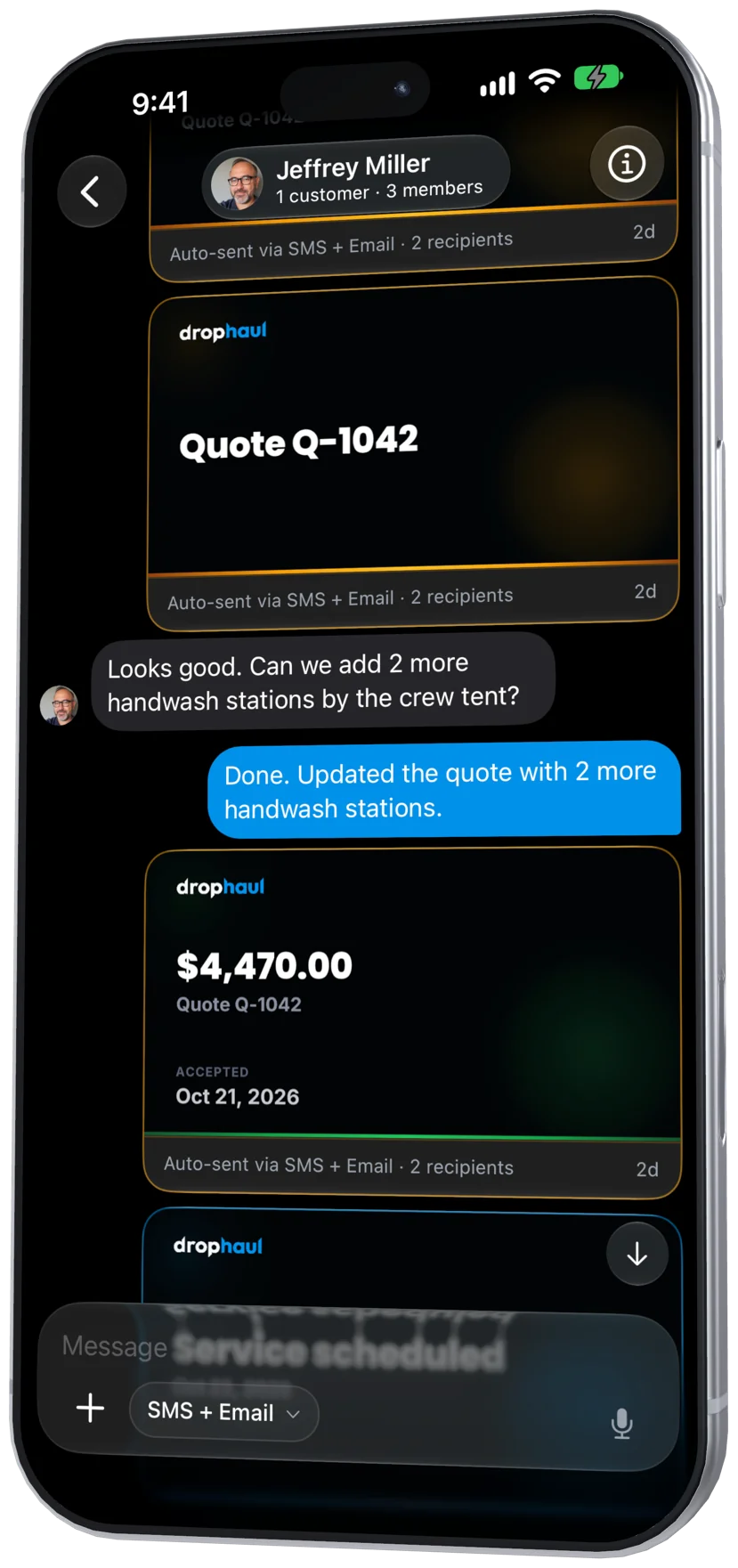
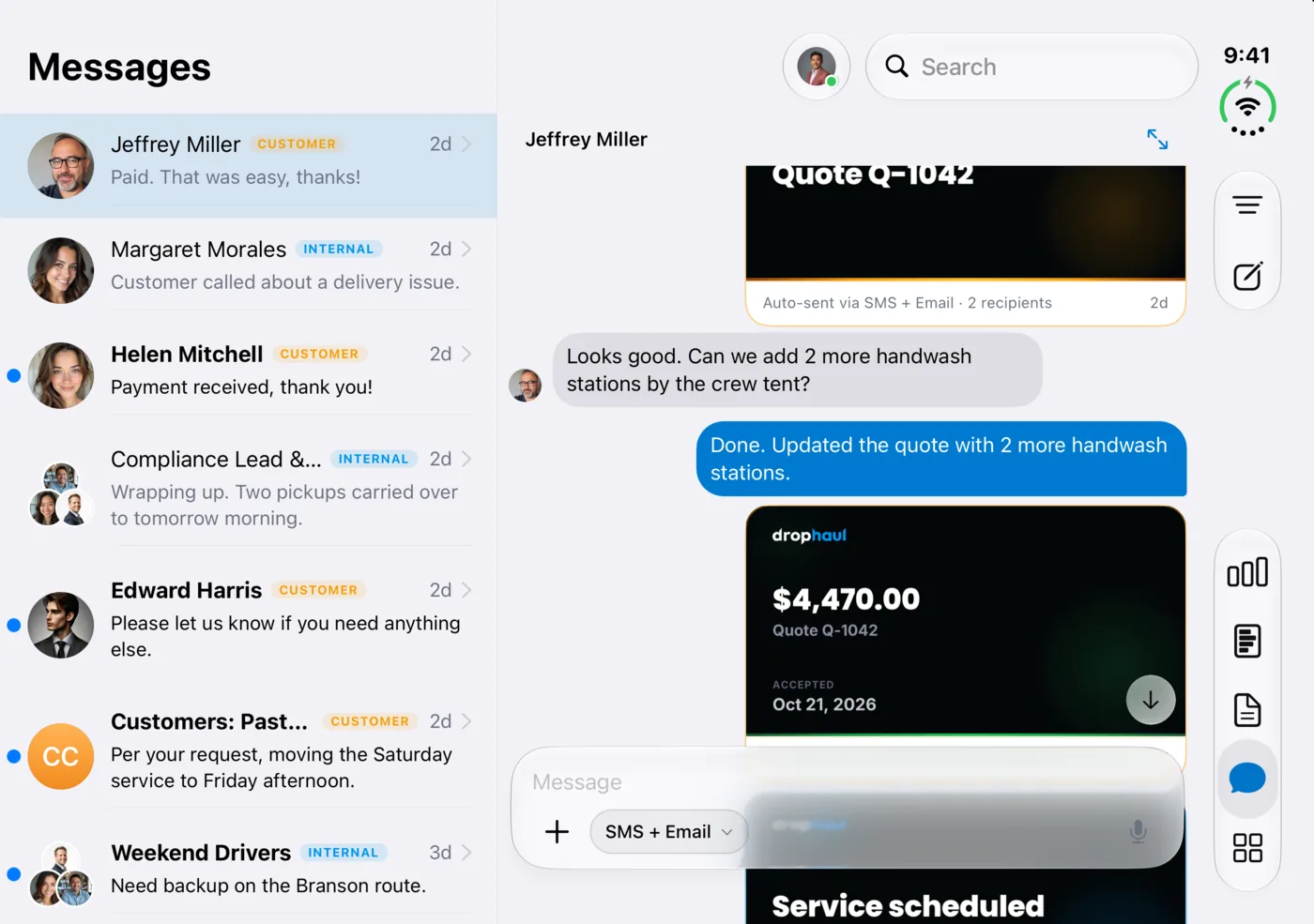
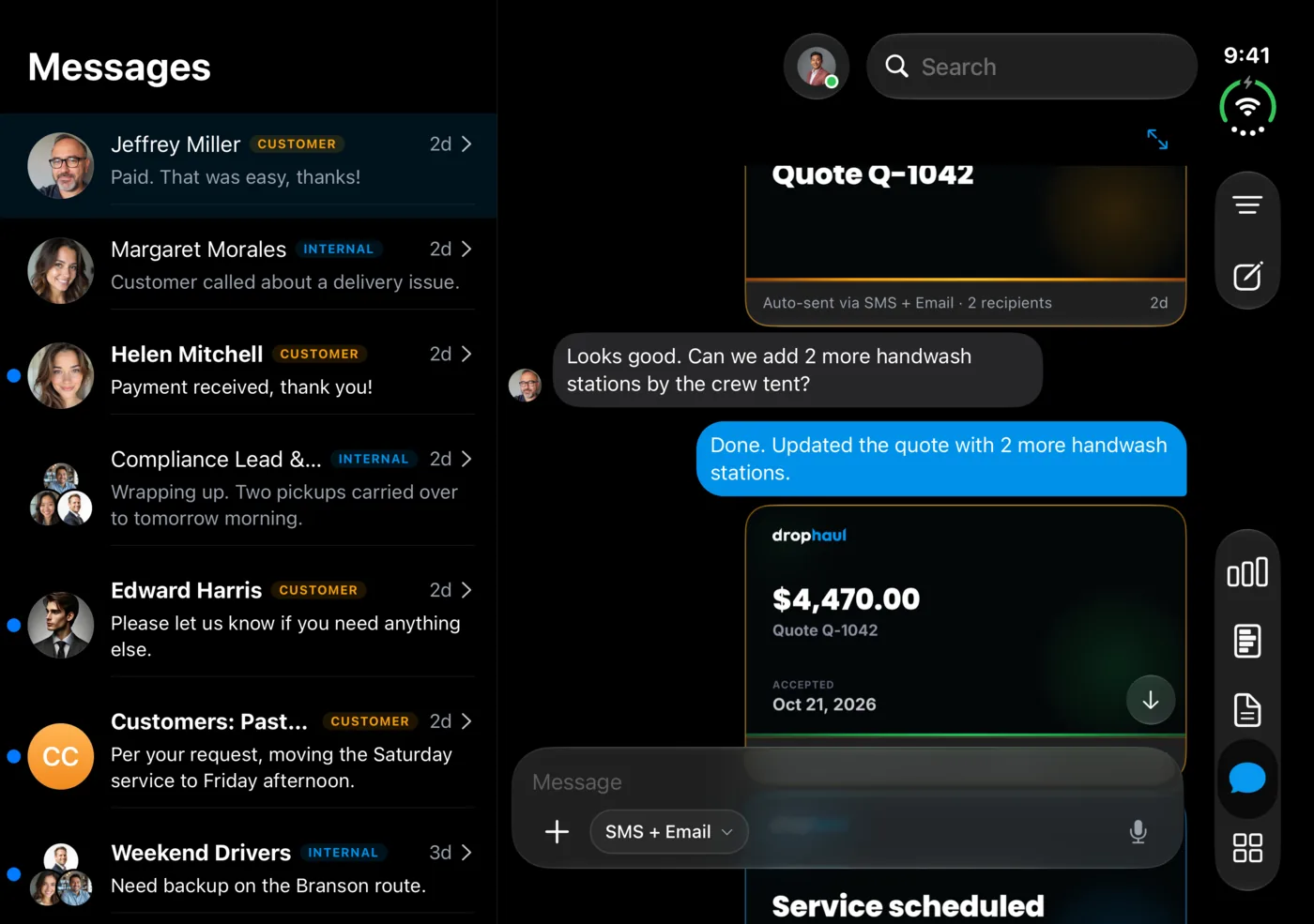
AutoShare is not a blast tool bolted onto dispatch. Each update lands in the customer’s chat as an event card, and when the customer texts back, the reply sits right under it, with the job one tap away.
- Delivery receipts for every message, plus opens and clicks for email
- Bounced emails and invalid numbers are suppressed automatically
- Your whole office sees the same history on iPhone, iPad, and the web
More than an “on my way” text.
A single “on my way” text
- Events covered
- Driver on the way
- Channel per event
- One text for everyone
- Per-customer rules
- Same for every customer
- Replies
- Wherever the text lands
- Delivery proof
- Sent or failed
DropHaul AutoShare
- Events covered
- 13 events, quote to refund
- Channel per event
- Off, Email, SMS, or both
- Per-customer rules
- Customer, contact, and chat
- Replies
- Threaded under the update
- Delivery proof
- Receipts, plus email opens
Make every shared link look like yours.
With white-label link previews, links you share for quotes, invoices, and service records preview with your logo, name, banner, and brand color instead of the DropHaul card.
$49 / month
or $490 / year on Starter, Pro, and Fleet
Included on Enterprise
Frequently Asked Questions
Works Even Better Together
Ready to see this in action?
Create your account, then bring DropHaul with you on iPhone. No credit card required.